

Discord has become a hub for gamers, streamers, and content creators, transforming how we communicate and interact online. Whether you’re coordinating strategies, chatting with friends, or entertaining an audience, voice plays a crucial role in the experience. This is where iTop Voicy steps in as a powerful voice changer designed to enhance your Discord interactions. With a wide range of voice effects and real-time customization, it adds a fun and creative twist to conversations. In this guide, we’ll provide a complete review of iTop Voicy and why it’s considered one of the best voice changers for Discord gamers.
Part 1: iTop Voicy: Best Voice Changer For Discord
When it comes to the best voice changer for Discord, iTop Voicy comes on top. It is a free real-time PC voice changer that enables users to alter their voice in real-time, without any interruptions or delay. The best part of this tool is that it works seamlessly with PC programs, including Discord, Zoom, Twitch, Microsoft Teams, and more.
Beyond real-time voice changing, iTop Voicy offers a wide variety of voice effects, including celebrity voices, character impressions, and fun sound filters that can make conversations more engaging. It also features a built-in soundboard with hundreds of sound effects, perfect for gaming, streaming, or pranking friends.
Part 2: Why iTop Voicy Is a Game-Changer for Discord
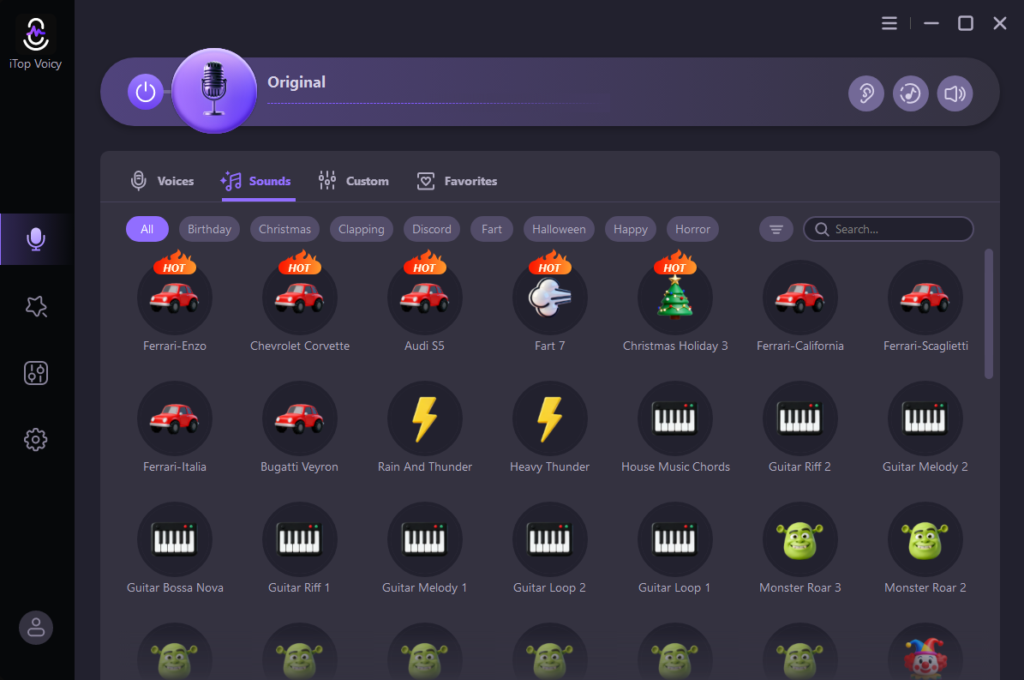
iTop Voicy is packed with a collection of powerful features, making it a top choice for Discord users. Below are some of the standout features that set this voice changer apart:
- Real-Time Voice Changing: iTop Voicy enables users to alter their voice in real-time with ease, delivering smooth and lag-free performance during conversations — all without affecting audio quality.
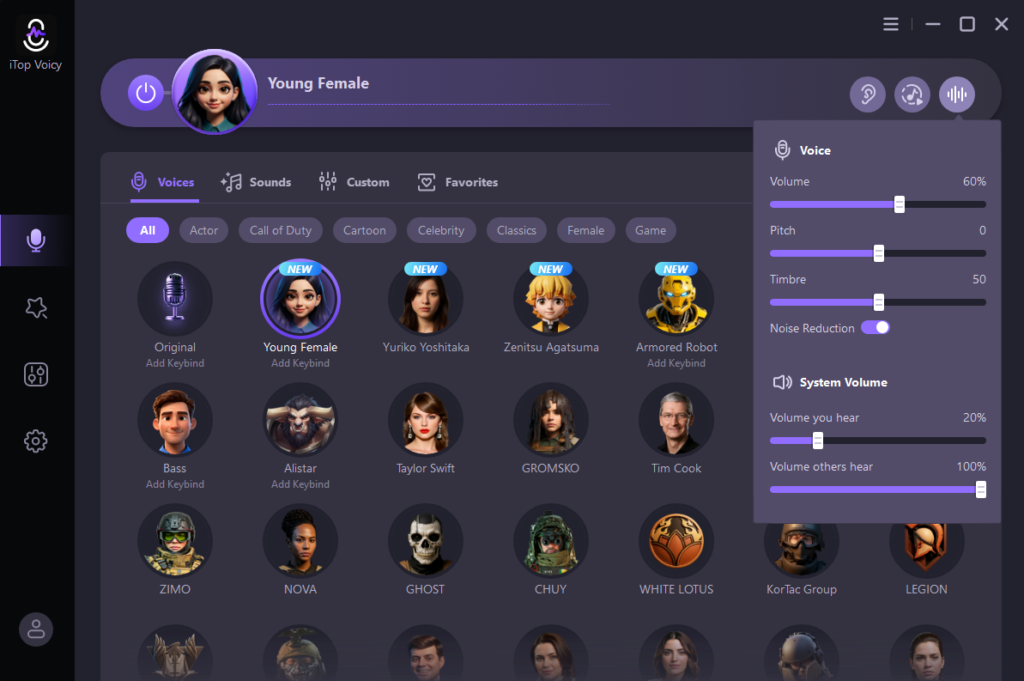
- Extensive Voice Library: The program includes hundreds of voice models and sound effects, including celebrities’ voices, such as Taylor Swift, Justin Bieber, Morgan Freeman, and Donald Trump.
- Advanced Voice Lab: With the help of this feature, users can customize AI voices according to their requirements. It allows fine-tuning pitch, timbre, formant, etc. Users can also create custom voices with iTop Voicy.
- Cross-Platform Support: The program works seamlessly with popular PC programs and games, including Discord, Zoom, Google Meet, Roblox, Fortnite, YouTube, TikTok, Twitch, OBS, and Twitch.
- Intuitive Interface: iTop Voicy offers a user-friendly interface, which is ideal for non-tech and beginner users. No professional help or advanced skill is required to alter voice in real-time on Discord.
Part 3: Tips to Get the Most Out of iTop Voicy
iTop Voicy is an amazing tool for real-time voice changing. However, it’s essential to use this program wisely to get better and more effective results. These tips will help you maximize its performance and enhance your overall experience:
- Use a High-Quality Microphone: If you want your voice-changing sound to be natural and professional, then use a high-quality microphone with iTop Voicy.
- Experiment With Different Voice Effects: iTop Voicy offers a wide variety of voice effects, from deep and robotic tones to funny and character-inspired voices. Use multiple effects during conversations or gaming sessions to keep interaction fresh and entertaining.
- Set Up Hotkeys: Assign shortcuts for quick switching between voices and sounds during gameplay. Hotkeys let you change your voice or trigger sound effects instantly.
Part 4: How to Use iTop Voicy With Discord in 2026?
iTop Voicy works seamlessly with popular programs like Discord, Zoom, or Twitch. Follow the instructions below to learn how to use iTop Voicy with Discord:
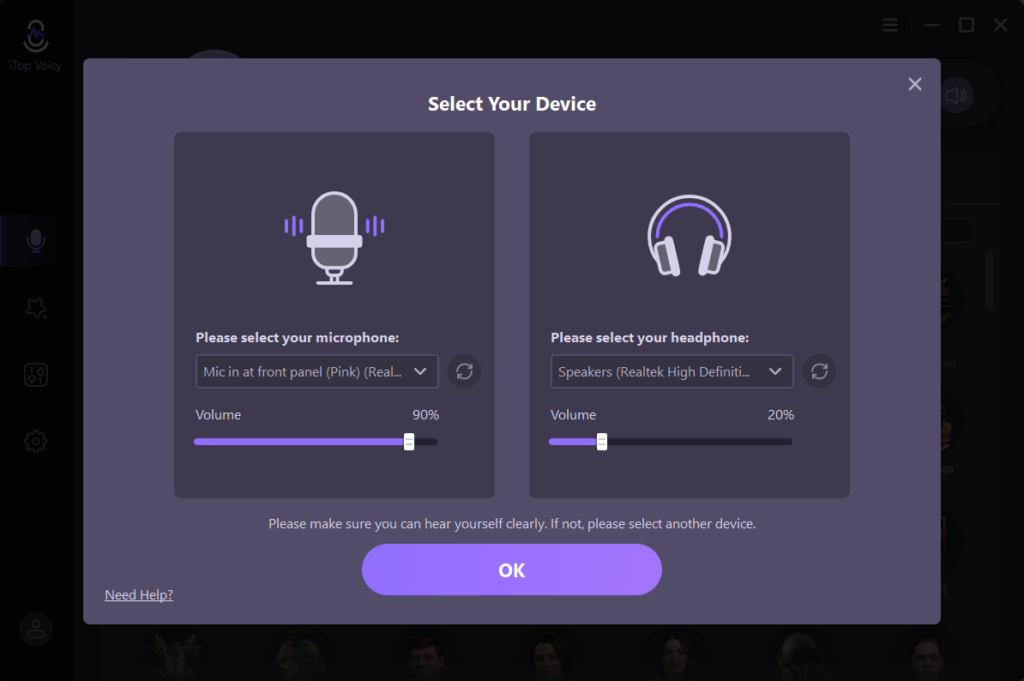
- Download, install, and launch iTop Voicy on your PC. Navigate to “Settings” and select the input and output devices you are using.
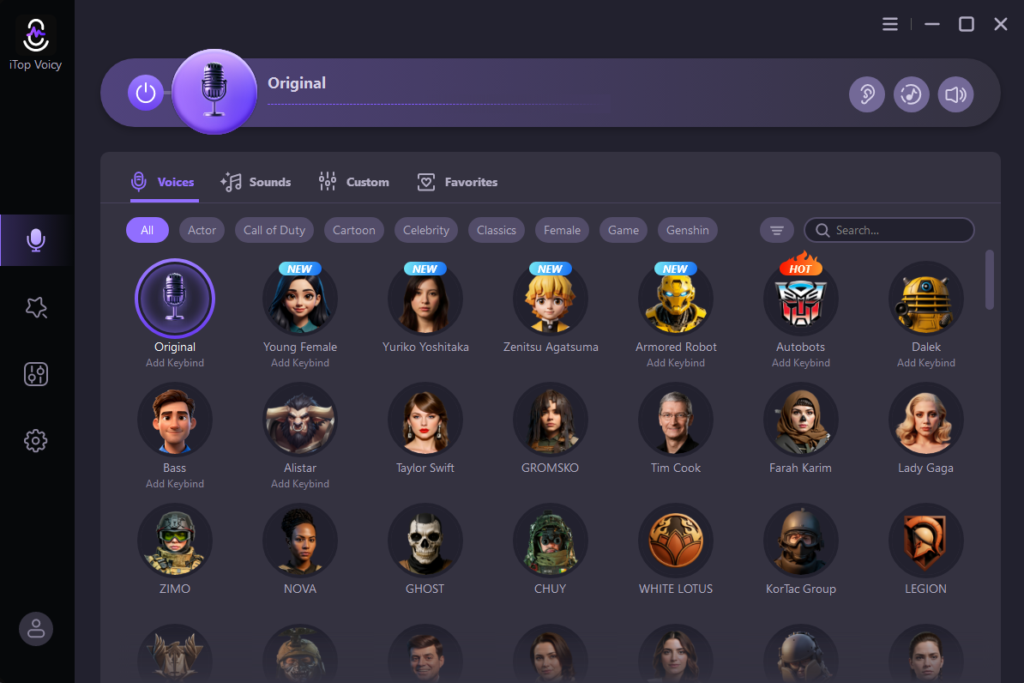
- Choose the “Microphone icon” available on the left menu bar and browse the library of 100+ AI-powered characters. Click on the “Voice Model” to activate it.
- Enable the “Hear Myself” option to hear your voice transformation. Adjust parameters like pitch and timbre to customize the sound.
Part 5: Is iTop Voicy Safe to Use?
Yes, iTop Voicy is completely safe to use. The program offers 100+ AI voice models free for commercial use. Users can enjoy real-time voice changing without worrying about malware, viruses, or ads. The software is regularly updated to ensure security, stability, and compatibility with popular programs like Discord, Zoom, Twitch, and YouTube. Plus, users can create audio files in various voice effects without sacrificing the original audio of the recordings.
Final Thoughts
If you are looking for the best Voice Changer for Discord, iTop Voicy is the best option. With its huge collection of AI voices, users can change their natural voices into different characters in real-time. The program works perfectly with Discord without interruption or lag, ensuring a smooth experience. Its user-friendly interface, advanced voice lab, and built-in soundboard make it perfect for gamers, streamers, and content creators alike.
READ ALSO: The Smart Way to Work: Word Online and PowerPoint Download with WPS