

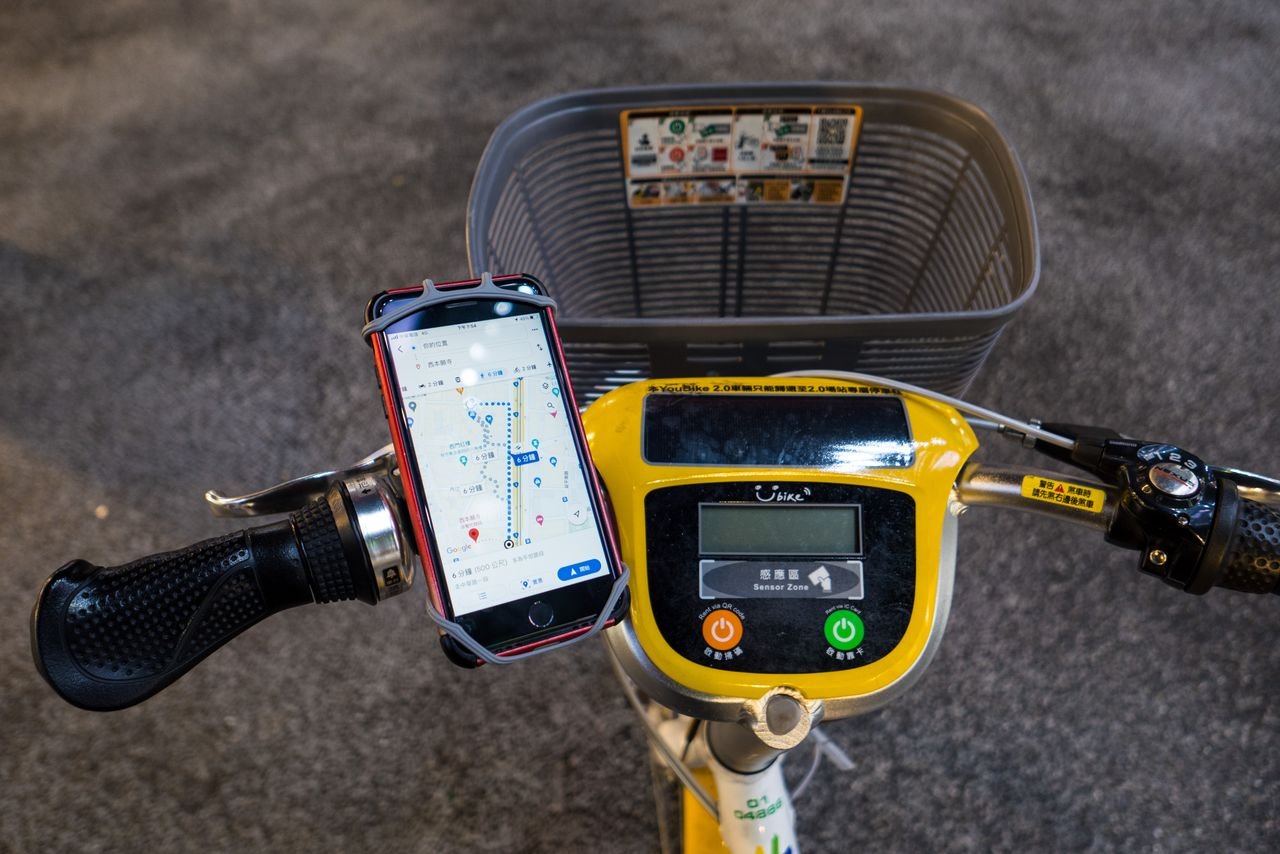
A daily commute involves more technology than many people realize. A smartphone may be used to check transit schedules, pay for a ride, listen to music, navigate unfamiliar streets, and respond to messages. By the time the workday ends, the same device may also be needed for calls, banking, and finding the way home.
For commuters across Canada, reliable battery life is therefore a practical concern rather than a minor convenience. The good news is that a few simple habits, combined with suitable charging equipment, can help reduce the risk of running out of power at an inconvenient time.
What Drains a Phone Battery During a Commute?
Battery use varies by device, but several common activities can increase power consumption.
Navigation applications keep the screen active, use location services, and may rely on mobile data. Streaming music or video requires ongoing data processing. A phone searching for a weak mobile signal can also consume more power than it would in an area with strong reception.
Cold weather adds another consideration. Lithium-ion batteries may temporarily deliver less available power in very low temperatures. A phone that appears to have plenty of charge indoors may behave differently after spending time outside in winter conditions.
Commuters can reduce unnecessary battery use by downloading music or maps in advance, lowering screen brightness, and turning off features they do not need. Battery-saving mode can also help when the remaining charge must last until the end of the day.
Build a Charging Plan Around Your Route
A useful charging plan begins with the commute itself. Someone travelling for twenty minutes on a direct train route has different requirements from a person taking several buses, walking between locations, and spending hours away from a desk.
Think about the longest period you are likely to spend without access to a wall outlet. Then consider whether your phone must support essential activities during that time.
For short commutes, charging the phone before leaving home may be enough. Longer journeys or days involving navigation, photography, and mobile payments may justify carrying a compact backup battery.
When comparing a power bank, pay attention to capacity, dimensions, weight, output power, and connector compatibility. A small model may be easier to carry every day, while a larger one may provide more energy for extended travel.
The ideal option is the one you will actually bring with you. A large battery left at home cannot help when your phone runs low on the way back.
Why Charging Speed Is Only Part of the Decision
Fast charging can be useful when you have a short break before leaving the office or boarding a train. However, charging speed depends on the phone’s supported input, the charger’s output, the cable, and the charging protocol shared by the devices.
A higher wattage rating does not guarantee that every phone will charge at that speed. The phone controls how much power it accepts, and charging rates commonly decrease as the battery approaches full capacity.
For commuters, compatibility is more useful than choosing the largest number on a product label. A well-matched charger and cable can provide practical charging without requiring unnecessary equipment.
Where Wireless Charging Fits Into Daily Life
Wireless charging can simplify charging at home or at a workstation. Instead of repeatedly connecting a cable, users can place a compatible phone on a charging surface whenever they return to a desk.
A suitable charger can create a convenient charging point near the entrance, bedside table, or home office. This can make it easier to top up a phone before leaving for the next journey.
Wireless charging is most useful when convenience matters more than maximum charging speed. It requires a compatible device and correct alignment, and the phone may generate more heat than during some wired charging sessions. Cases and accessories can also affect performance.
For a phone that needs a quick charge before departure, a compatible wired charger may be a better choice. At home, wireless charging can complement rather than replace wired options.
Make a Simple Pre-Commute Checklist
A short routine can prevent many avoidable problems:
- Check the phone’s battery before leaving home.
- Carry a suitable cable if you expect to use a portable battery.
- Download maps, tickets, or entertainment when practical.
- Keep the phone warm in very cold weather.
- Review battery usage if the charge drops unusually quickly.
- Replace cables that are frayed, bent, or otherwise damaged.
It is also helpful to check which applications are consuming power in the background. An application that continually accesses location services or refreshes data may affect battery life even when it is not being actively used.
Keep Charging Equipment Safe
Portable batteries should be handled according to their manufacturer’s instructions. Avoid using equipment with a swollen casing, damaged connectors, or unusual heat. Do not leave a charging battery in direct sunlight or in a hot vehicle.
If you commute by air, review the airline’s current requirements for spare lithium batteries. Capacity restrictions and cabin-baggage rules may apply.
For winter travel, allow cold equipment to return gradually to a suitable operating temperature before charging if the manufacturer advises it. Avoid using external heat sources to warm a battery.
Conclusion
Good commuting habits can extend the usefulness of a phone’s existing battery while reducing the need for emergency charging stops. A compact portable battery offers backup power, a wireless charging point makes home routines easier, and a compatible cable supports dependable wired charging.
The most effective approach combines simple preparation with equipment suited to your daily route. Which small change would help your commute most: carrying backup power, reducing unnecessary battery use, or creating a more reliable charging routine at home?
READ ALSO: How to Resize Images for Social Media Without Losing the Original Shot