

AI video creation has become an accessible option for people who want to produce visual content without managing every stage of traditional filming. A written idea, a collection of assets, or a carefully planned concept can now become the starting point for a video. However, choosing the best ai video generator involves more than finding a platform that produces impressive clips. The right choice depends on what you want to communicate, how much creative control you need, and whether the final result is suitable for its intended audience. Understanding a few practical differences between tools can help you make a more informed decision before committing time or money.
Begin with the Kind of Video You Need
A common mistake is comparing video generators without considering the type of content they are expected to create. Different projects have different requirements. A business might need a short promotional video that presents a product clearly. An educator may want an illustrated explanation of a complicated subject. A social media creator might be experimenting with unusual visual concepts, while a small team could need background footage for a presentation.
These projects should not be judged by the same standard. A tool that excels at cinematic scenes may not offer the control needed for a product demonstration. Another platform might be better suited to quick social content but provide fewer options for longer projects. Before exploring platforms, write a one-sentence description of your intended video. Include its subject, audience, and purpose. This simple step gives you a reference point when comparing results.
Look Beyond the First Impressive Preview
A visually striking sample can create a strong first impression, but it does not necessarily demonstrate how well a tool will perform on your project. Pay attention to the details that make a video usable. Are the subjects recognizable throughout the clip? Do objects maintain their proportions? Does movement look consistent, or do details change unexpectedly between frames? Are transitions smooth enough to support the scene?
These questions matter because viewers often notice inconsistencies even when they cannot explain exactly what looks wrong. It is also useful to inspect more than one sample from a platform. A single successful demonstration may not represent the results you will receive from different prompts or subjects. Look for examples that resemble the content you plan to make, rather than relying entirely on promotional footage.
Test How Well the Tool Understands Direction
A video generator should respond to creative instructions in a predictable way. The ability to request a particular atmosphere, setting, camera perspective, or subject action can make a meaningful difference to the finished result. For example, compare two instructions: “Create a video of a busy marketplace.”
“Show a busy outdoor marketplace in the early morning, with shoppers moving between stalls, warm sunlight falling across colorful displays, and a steady wide camera view.” The second instruction provides a clearer visual direction. It also gives you more specific details to evaluate. When testing a platform, change one instruction at a time. Notice whether the atmosphere, framing, or movement changes as expected. This reveals how much influence you have over the output and whether revisions are likely to be manageable.
Consider Character and Scene Consistency
Some videos need only a collection of independent visual moments. Others depend on continuity. A short narrative, brand story, or educational sequence may feature the same person, location, or object across several scenes. In these situations, consistency becomes an important selection criterion. A character whose appearance changes noticeably between shots can interrupt the story. Similarly, a product that looks different from one scene to another may reduce audience confidence.
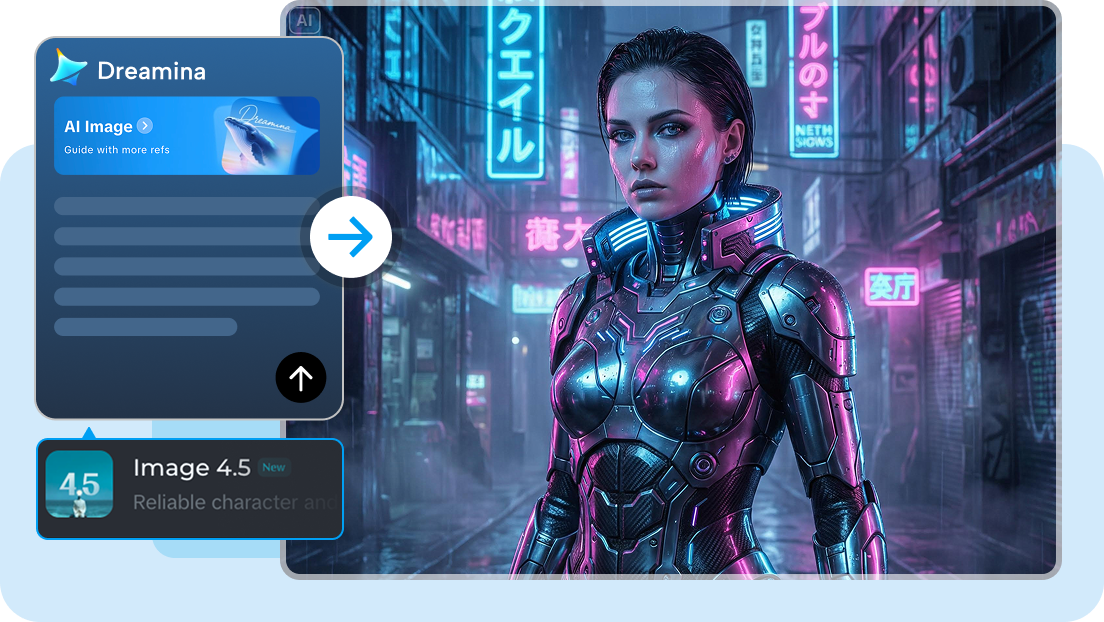
Check whether a platform offers useful controls for references, recurring subjects, or scene development. These features vary, so test them rather than assuming that every generator can maintain continuity automatically. Dreamina is one platform creators may explore when assessing AI-powered visual creation options, but the most suitable choice still depends on the specific demands of the project.
Check What Happens After Generation
Producing a clip is only one part of making a finished video. You may also need to trim footage, arrange scenes, add captions, include a voice-over, or combine generated material with existing assets. Find out whether the platform includes basic editing features or whether you will need another application to complete the work. Check the available export formats, video dimensions, resolution options, and download restrictions.
This is particularly important when preparing content for different destinations. A vertical social video, a widescreen presentation, and a website background may require different proportions and durations. A useful tool should fit into your production process rather than create unnecessary extra work.
Understand the Practical Limits Before Paying
Free access can be useful for testing a platform, but it may come with restrictions. These can include generation credits, waiting periods, limited resolution, watermarks, or fewer customization options. Read the current pricing and usage information before building an important project around a free plan. Also review commercial-use permissions if the video will appear in advertising, client work, or a business publication.
Privacy deserves attention as well. Avoid uploading confidential footage, personal material, or sensitive business assets unless you understand the service’s data-handling terms. The best choice is not necessarily the platform with the lowest starting price. Consider how many usable results you can produce, how much revision is required, and whether the export quality meets your needs.
Make Your Decision with a Small Trial Project
Instead of comparing a long list of features, test two or three promising tools with a realistic assignment. Give each one a similar creative brief and assess the results using the same criteria: visual quality, instruction accuracy, consistency, editing flexibility, and export suitability.
Record what worked and where each tool struggled. A simple comparison will often reveal more than reading feature descriptions alone. The best ai video generator is ultimately the one that supports your creative requirements with the least unnecessary friction. It should help you communicate an idea clearly, not force you to redesign the entire project around its limitations.
Conclusion
Choosing an AI video platform requires a practical understanding of the content you intend to produce. Visual quality matters, but so do creative control, scene consistency, editing options, export settings, pricing, and usage rights. By testing tools against a realistic project rather than relying on attractive previews, you can make a decision based on genuine performance. A thoughtful selection process also makes future video projects easier to plan and manage.
Frequently Asked Questions
1. Can an AI video generator create complete videos from a written description?
Some platforms can generate short video clips from text prompts. A complete, polished video may still require editing, additional scenes, narration, captions, or other finishing work.
2. Is a free AI video generator good enough for professional projects?
It can be useful for concept development and certain simple projects. Before using the output professionally, check its resolution, watermark restrictions, generation limits, and commercial-use permissions.
3. Why do AI-generated videos sometimes contain visual inconsistencies?
Video generation involves creating changing images across consecutive frames. Subjects, textures, or object details may shift during that process, particularly in complicated scenes or clips with substantial movement.
4. What should beginners learn before using a video generator?
Start by writing clear scene descriptions. Practice identifying the subject, setting, atmosphere, action, and camera perspective. Reviewing results and making focused adjustments can help beginners improve their instructions.
5. Do I need separate editing software after generating a video?
Not always. Some platforms include editing and finishing features, while others focus mainly on generating clips. Your requirements for trimming, captions, audio, transitions, and multiple scenes will determine whether another editor is necessary.
READ ALSO: From Photos to Videos: How AI Is Transforming Visual Storytelling